How to apply for Look Up! - Cloud Hunters 2026
If this is your first time being a Cloud Hunter, we prepared a quick-how to in order for you to get started!
Make sure to check the Terms & Conditions before applying, and as always – enjoy cloud hunting!
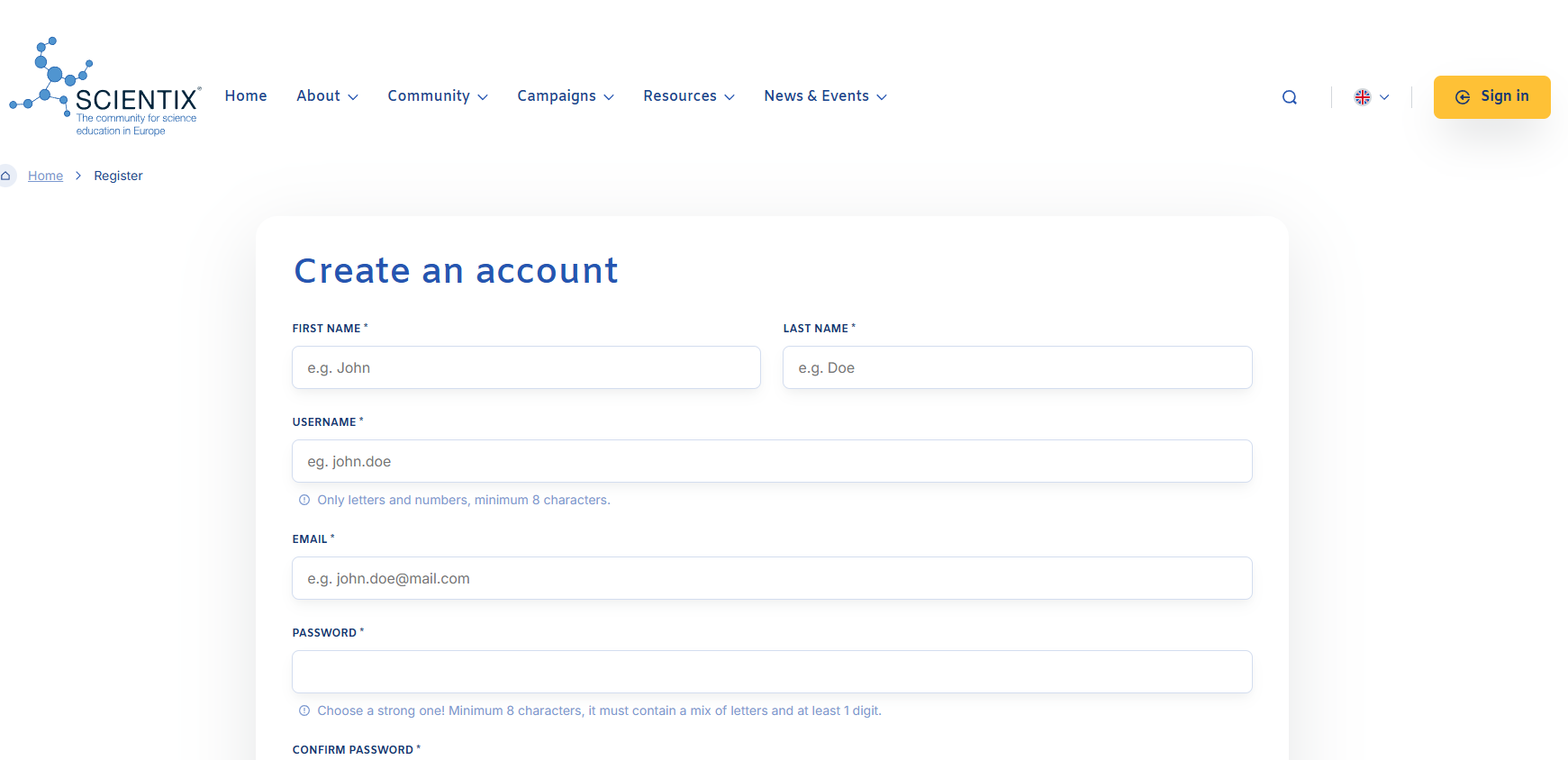
☁️Step 1 - Register on the Scientix portal
Registration on the Scientix portal will be required to publish your activity in the STEM Discovery Campaign 2026 (as described in step 5).
If you already have an account, you can skip this step!
⛅Step 2 - Set up the GLOBE Observer App
1. Download the GLOBE Observer app via in the links provided in this step. GLOBE Observer app is available for both Android and iOS devices.
2. Follow the steps for registration in the app!



🌤️Step 3 - Observe clouds and capture them
Go out and capture clouds! If you’re unsure how to do it, there is a help guide made by the GLOBE Implementation Office
Make sure to enter as much information about the clouds and you can, so as to help scientists!
The teacher/kindergarten teacher leads the activity and helps students use technology. The recommended number of observers is up to five students, but the entire class can participate in the activities.
During the Clouds observations, students can also use the Cloud Identification Chart which can be found in the Resources tab on this site.
After the GLOBE Observer – Clouds observation, take 1-3 photos of interesting clouds using the mobile camera on your device and become a Cloud Hunter!
The observation activity lasts from April 13 to April 30, 2026.
🌧️Step 4 - Submit your data!
Observing clouds is one thing, but it’s another to be a Cloud Hunter! So, it’s important that you submit the photos and your data in our form by April 30th 2026, in a way described in the Terms & conditions. Keep in mind that the registration date for Scientix (STEM Discovery Campaign 2026) is April 30th 2026!
You can find the application form on the side, as well as the terms & conditions and media consent forms.
Make sure that you upload up to three cloud photos which are up to the requirements listed in the Terms & Conditions. You also need to attach a screenshot of your cloud observation from the GLOBE app!
Once you have submitted your entry via the form, you can then –
🌦️Step 5 - Share your story!
On the STEM Discovery Campaign site from Scientix, you can share your story and activities from the program with other educators from around the world!
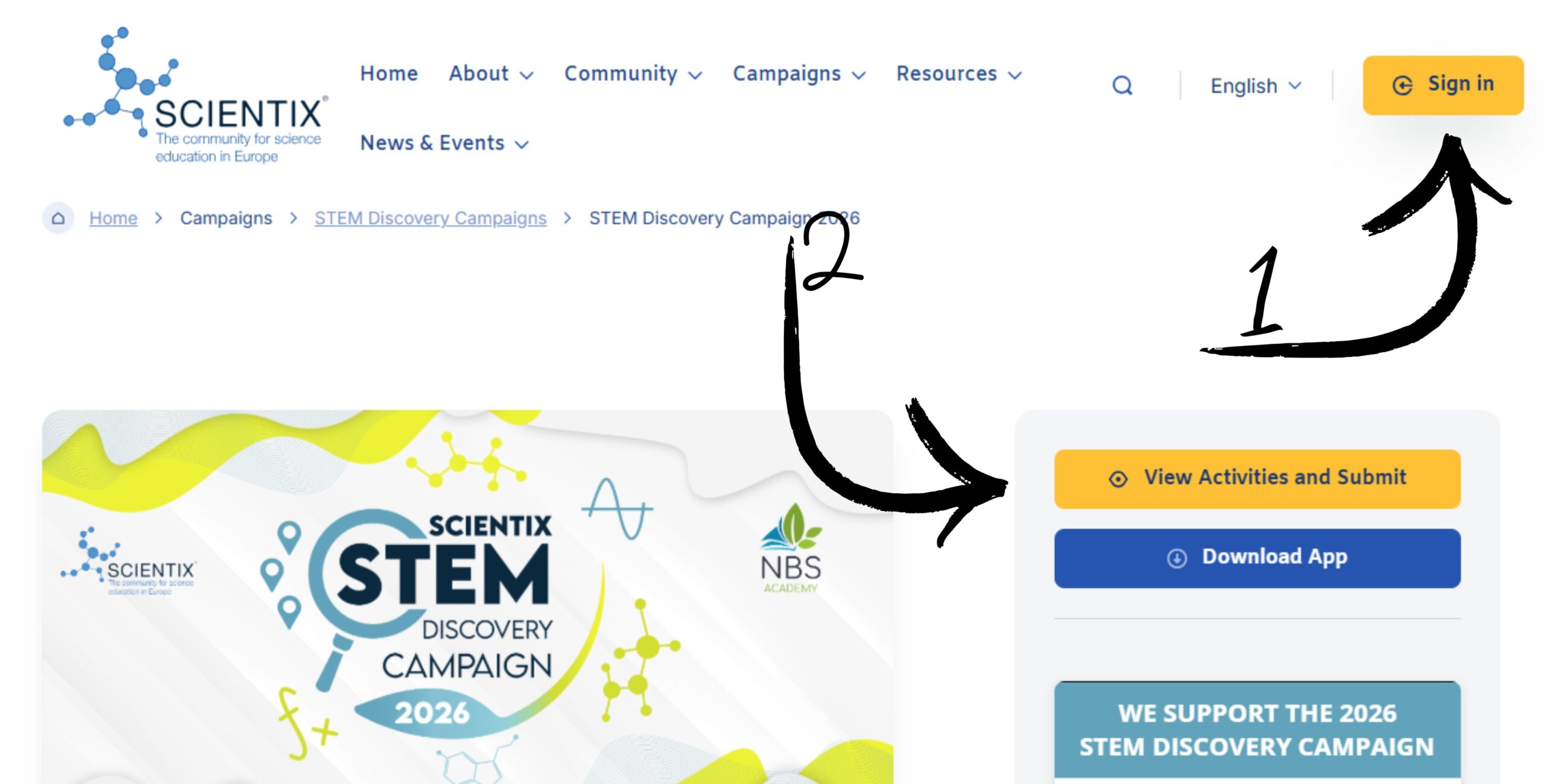
To do so, you need to login to Scientix – https://www.scientix.eu/campaigns/sdc/sdc26
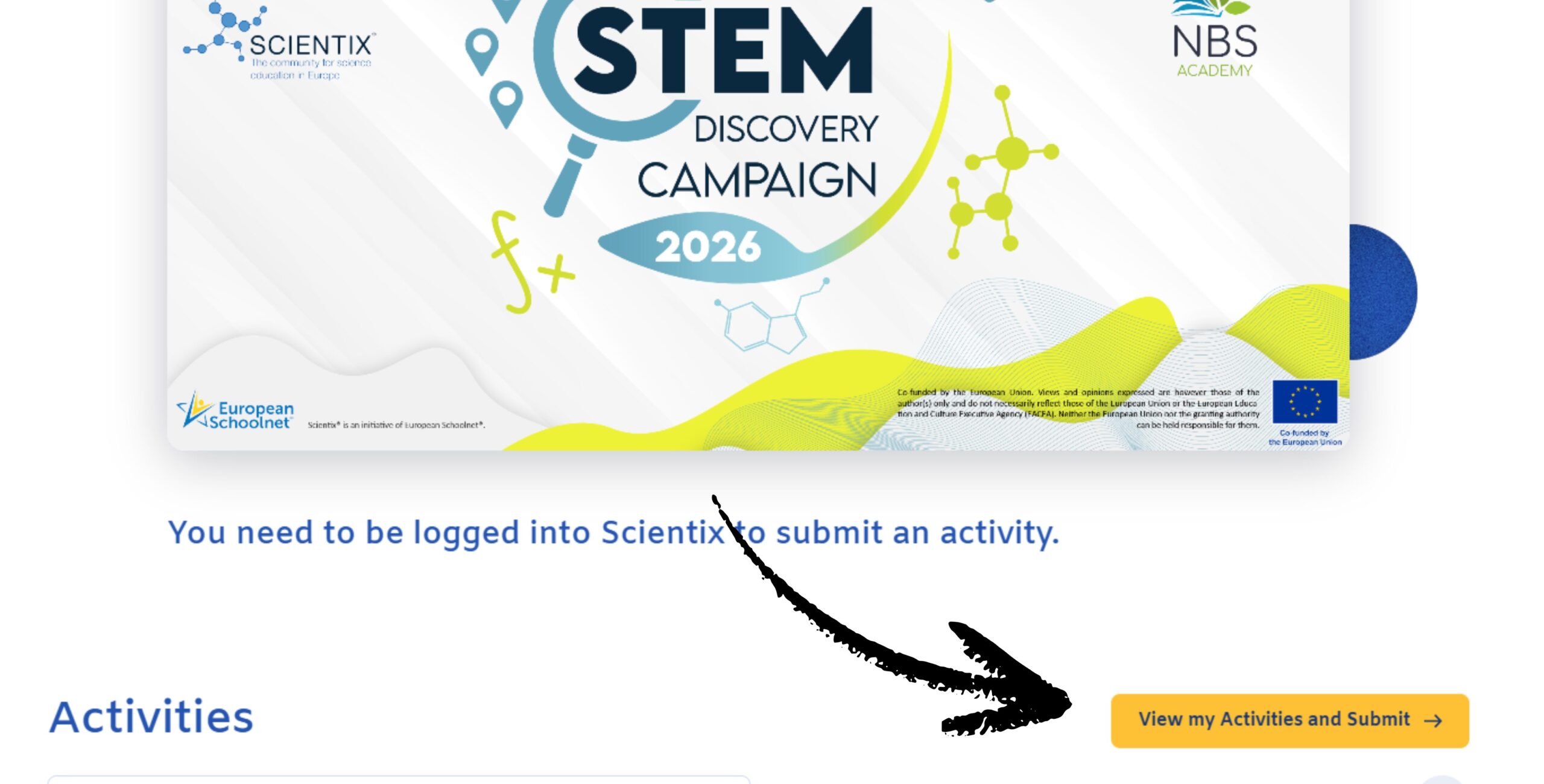
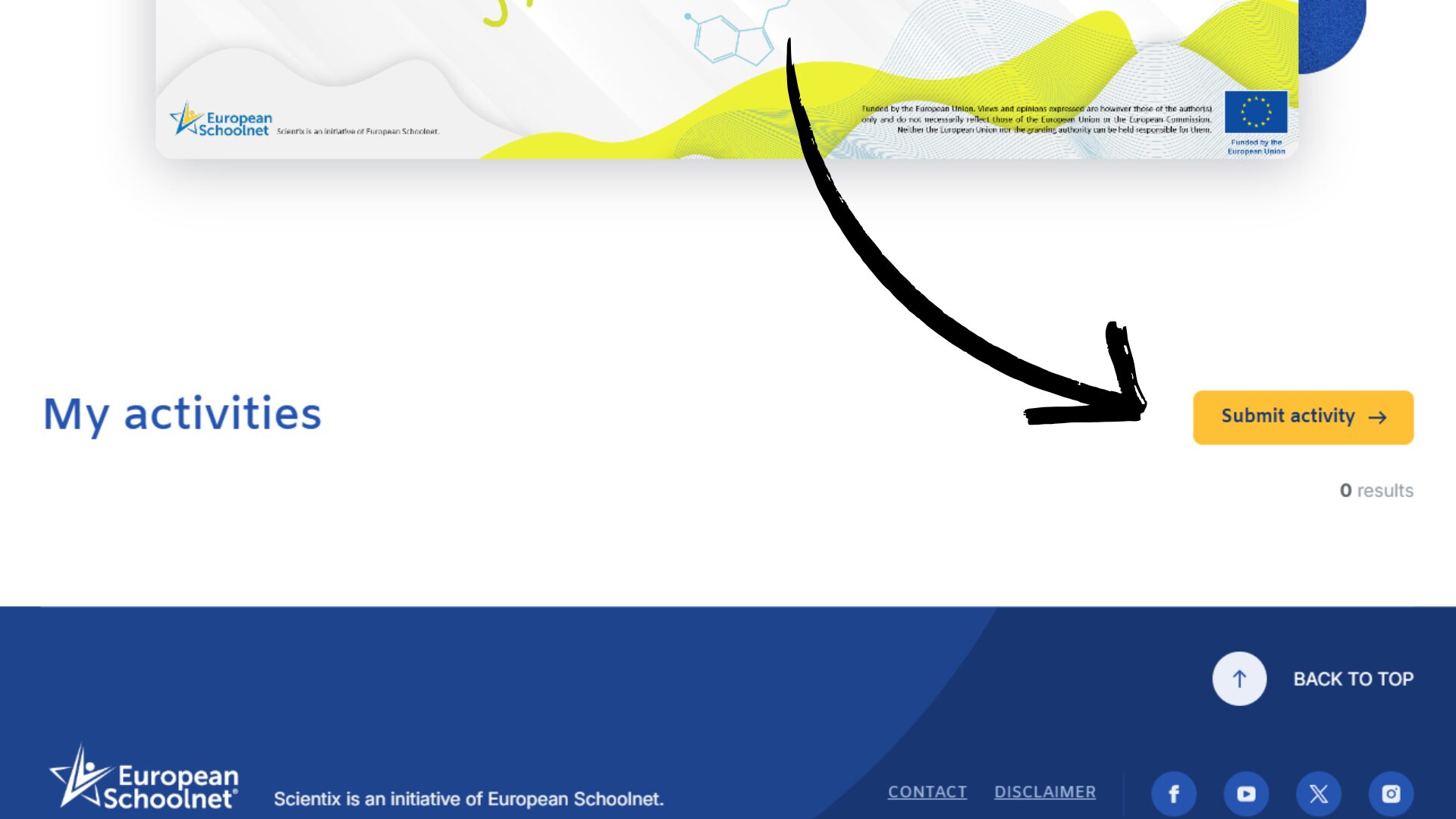
After logging in, select “View Activities and Submit”, then “View my Activities and Submit”, where you can find all your activities which you wrote for the campaign. By selecting “Submit activity”, you are taken to a page with form “Add Activity submission” where you can share your story and a photo from your cloud hunt!
A few things to note!
– The activity needs to be written in English
– Title the activity with ‘Look Up-Cloud Hunters 2026 Competition Implementation’ and the name of your institution
– Enter the description and story of the implemented activity, category ‘Implemented STEM activity with students’
– Enter the competition website in the website field (https://cloudhunters.carnet.hr/)
– The activity submission for the STEM Discovery Campaign 2026 must be submitted by the end of the competition, which is April 30, 2026.
🌥️Step 6 - Enjoy activities!
On the Resources tab, you can find other activities as well as some information about meteorology! Enjoy any of those (or think of new activities by yourself) with our young scientists. Happy cloud hunting!
If you have any questions, feel free to contact us!